
Groups
A group is a set of checks within a project that share the same settings. Use groups to give many checks the same rules, run some pages on a different interval, or monitor pages behind a login.
Every project starts with one group. Create more with the Create group button above the checks list, and drag checks between groups to move them. Deleting a group deletes all of its checks.
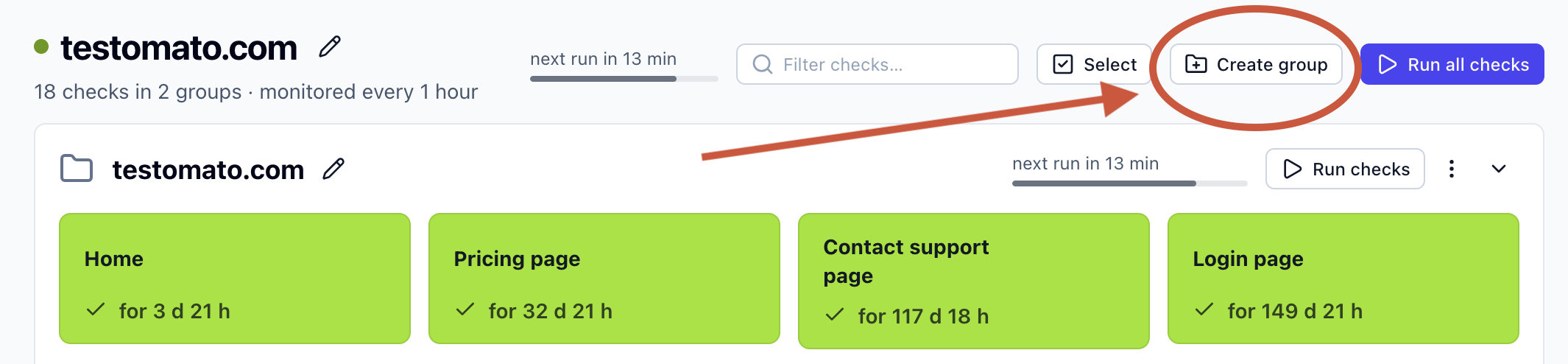
A check is a URL that Testomato monitors, and a rule is one thing Testomato verifies about the page, such as status equals 200. You can set rules for the whole group, which apply to all of its checks, and rules for each check on its own.
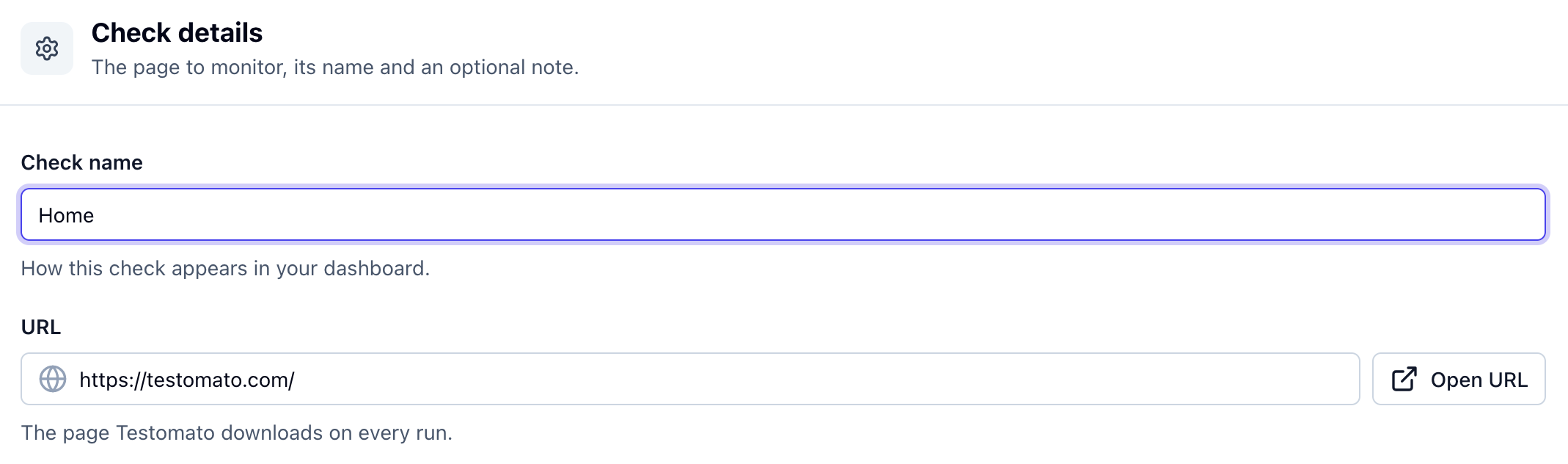
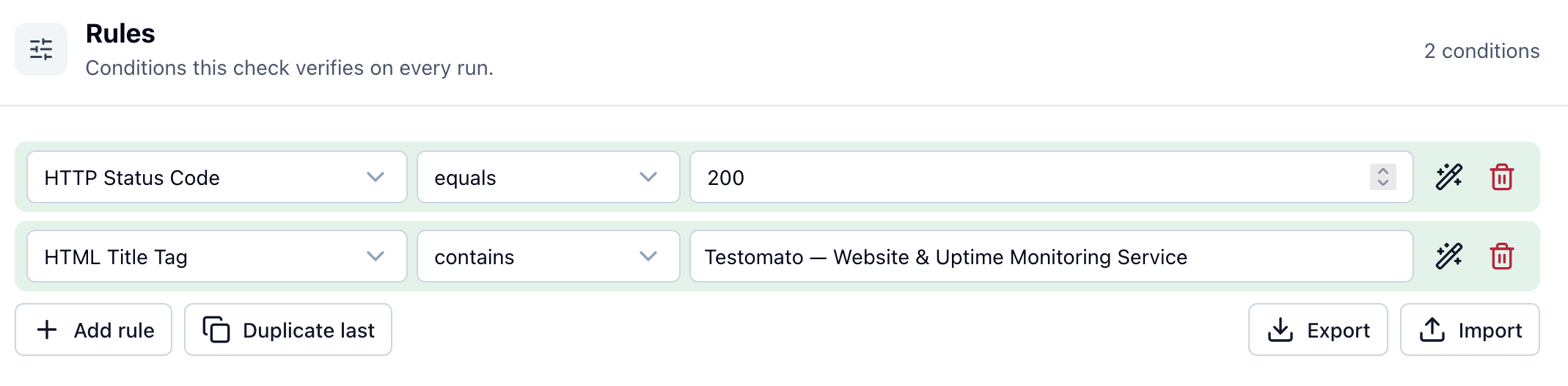
If a group has the rule status equals 200 and its /login check has the rule title contains Login, Testomato verifies both rules on every run of the /login check. Other checks in the group are verified only against status equals 200.
Monitoring interval
Section titled “Monitoring interval”A group's checks run on the project's monitoring interval by default. To run them on a different interval, edit the group and choose a Monitoring interval. The setting is available once the group is created.
Extra HTTP headers
Section titled “Extra HTTP headers”Extra headers are sent with every check in the group. Use them when all of the group's pages need the same header, such as a token that lets Testomato past a firewall or bot protection.
Enter one header per line, for example:
X-Monitoring-Token: 3f9a1cA check can also have its own extra headers in its settings. If a check and its group set the same header, the check's value is used. Header names are compared without regard to case.
Lines that aren't valid headers are skipped, and the other headers are still sent. A User-Agent header replaces the project's user agent, which is Testomatobot by default.
For examples of request headers worth adding to your checks, see our header monitoring guide.
Protected by authentication
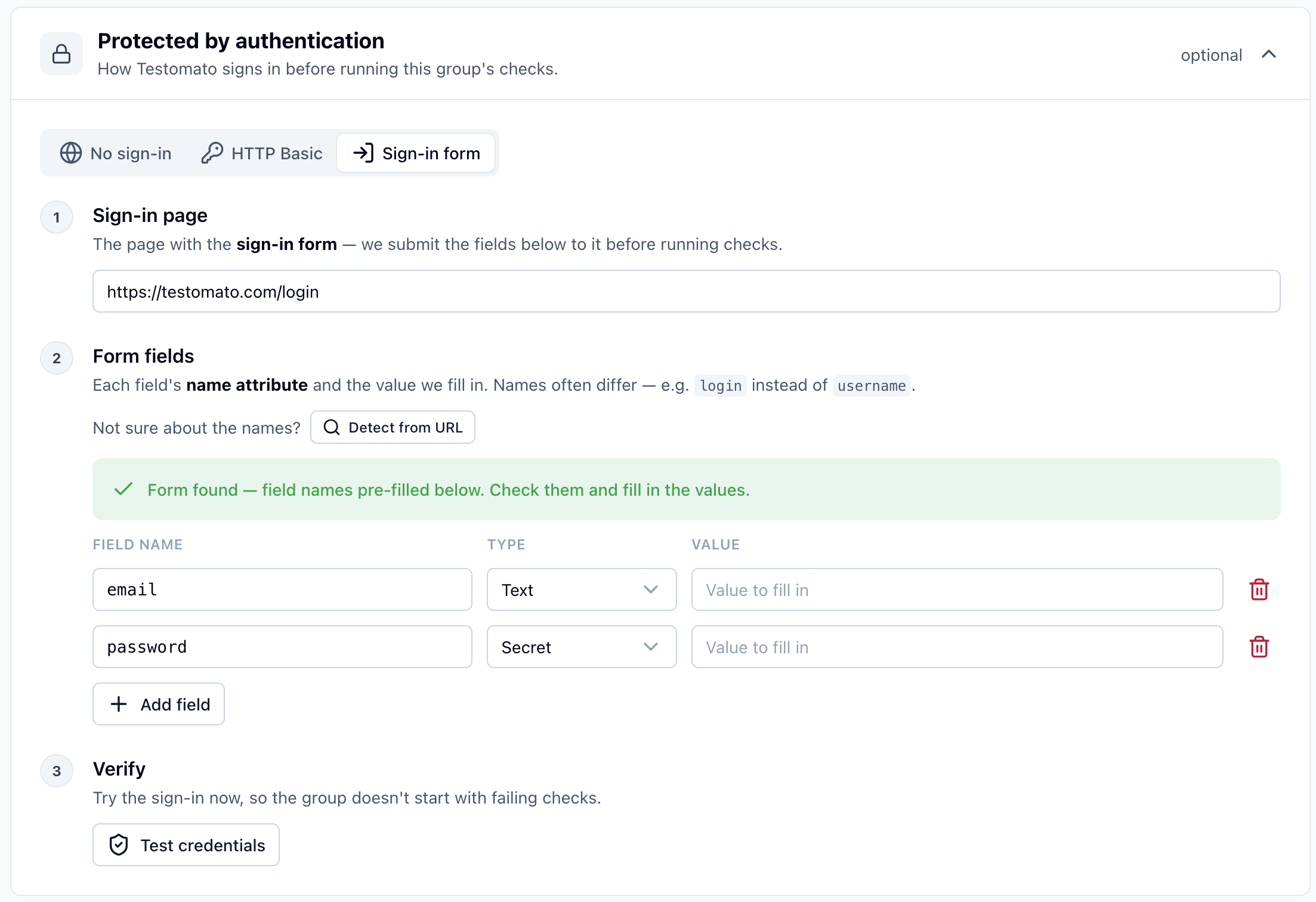
Section titled “Protected by authentication”Testomato can sign in before running a group's checks, so you can monitor pages behind a login. This is available on the Business and Enterprise plans and during the free trial.
- HTTP Basic: enter the protected URL, username and password. When a check's URL asks for credentials, Testomato sends them in the
Authorizationheader. This works for every check in the group. - Sign-in form: enter the sign-in page URL and the name and value of each form field. Before each run, Testomato submits the form and uses the session cookies it gets back for every check in the group.
Detect from URL fills in the field names for you if the form is in the page's HTML. If the form isn't in the page's HTML, for example because JavaScript renders it, enter the field names yourself. Testomato submits them as a standard form POST to the sign-in page URL.
The group's extra HTTP headers are also sent with the sign-in request.
Check that sign-in works
Section titled “Check that sign-in works”Click Test credentials to sign in once and preview the page your site returns. Make sure the preview shows a signed-in page, not the sign-in form again.
Testomato counts sign-in as failed only when the site doesn't respond, times out, or returns a 4xx or 5xx status.
When sign-in fails, every check in the group fails with an authentication error, and the group shows a Group settings error with the reason.