
Vercel
Vercel's firewall is where the Vercel Security Checkpoint comes from — the interstitial page that asks the visitor's browser to solve a JavaScript challenge. Testomatobot is not a browser and cannot solve it, so a challenged check always fails. Vercel's documentation says as much: automated tools cannot establish a challenge session, and the supported answer for legitimate automation is a bypass rule.
The checkpoint shows up for three different reasons, and the fix is not the same for all of them:
| What is challenging the request | How to let Testomato through |
|---|---|
| A custom rule with the Challenge action | A custom rule with the Bypass action, ordered above it |
| Attack Mode, under Firewall → Bot Management | Attack Mode waves through the bots in Vercel's own verified-bot directory, and Testomatobot is not one of them. Disable Attack Mode once the attack is over, or add a System Bypass rule |
| Automatic DDoS mitigation | A System Bypass rule — see System-level mitigations below |
Add a bypass rule
Section titled “Add a bypass rule”- In the Vercel dashboard, open your project and select Firewall in the sidebar.
- Select ⋯ → Configure at the top right, then Add Rule.
- Name the rule, for example
Allow Testomatobot traffic. - Add an If condition on IP Address, listing Testomato's addresses, combine it with AND, and add a second condition: User Agent Contains
Testomatobot. - Set Then to Bypass.
- Select Save Rule, then Review Changes and Publish.
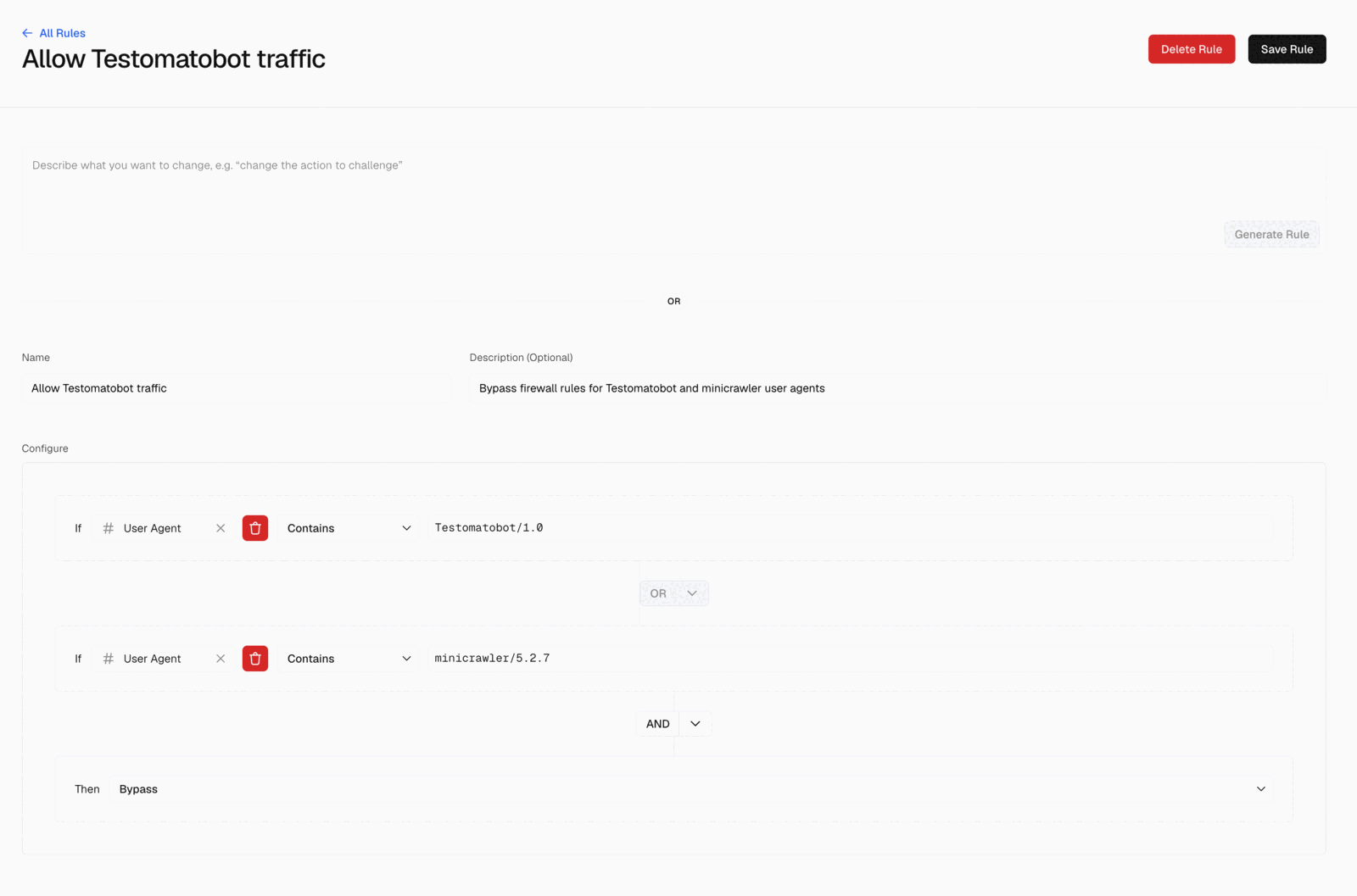
The rule then appears under Project rules, where you can toggle it off without deleting it:

Generate the rule with a prompt
Section titled “Generate the rule with a prompt”Vercel builds a rule from a plain-English description, but it cannot read the address list for you — give it the URL on its own and it says so and asks you to paste the addresses instead. So fetch them first:
curl -fsS https://testomato.com/bot/ipv4-ipv6.txt | paste -sd, -Use ipv4.txt instead if your site is not reachable over IPv6. Then paste this into the text area at the top of the rule form, with the addresses in place of the placeholder, and select Generate Rule:
Create a rule named "Allow Testomatobot traffic" for Testomato's website monitoring service.
Match a request when the User Agent contains "Testomatobot" AND the IP address is one of:<paste the addresses here, comma-separated>
Set the action to Bypass.The same text area edits an existing rule — "add the IP addresses to the condition" or "change the action to bypass" both work.
System-level mitigations
Section titled “System-level mitigations”A bypass custom rule only bypasses your remaining custom rules and the managed rulesets. Vercel is explicit that it does not cover system-level mitigations such as DDoS protection. If checks still fail while the rule is live and matching, add a System Bypass rule:
- On the Firewall page, select Add New and then System Bypass.
- Fill in IP Address Or CIDR and Domain — a domain connected to the project, or
*for all of them — and a note for future reference. - Select Create System Bypass, and repeat for each address.