Manual payments are an alternative to automatic credit card billing, and are suited to businesses or individuals who prefer to pay by wire/bank transfer or PayPal invoice. To get started, contact us at support@testomato.com so we can prepare everything on our end before sending you an invoice.
## Required billing information
We will require the following billing information from you:
* **First name**
* **Last name**
* **Street address**
* **City**
* **Postal code**
* **Country**
Optional:
* **Company name**
* **VAT number**
* **Registration number**
## Paying a received invoice
Once you have received an invoice from Testomato, click the **Pay via PayPal** or **Bank transfer** button and follow the steps:
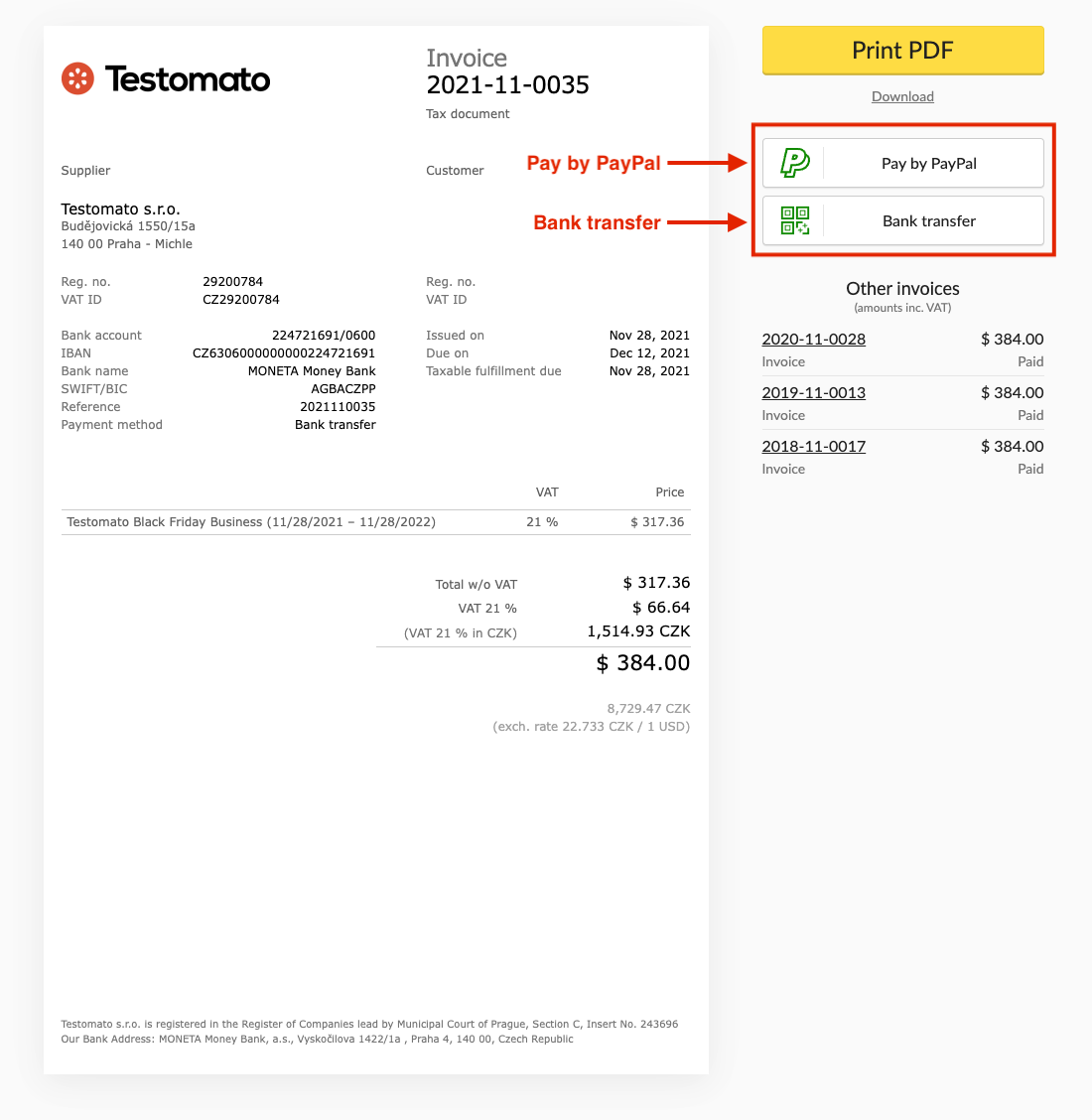
For PayPal, you will be redirected to PayPal's payment flow. For bank transfer, use the account details below.
## Bank account details
The SWIFT code for all accounts is **AGBACZPP**.
| Currency | Account number | IBAN |
|----------|---------------|------|
| USD | 224721691 / 0600 | CZ6306000000000224721691 |
| EUR | 229149815 / 0600 | CZ0506000000000229149815 |
| CZK | 224721819 / 0600 | CZ0206000000000224721819 |
## Bank address
> **MONETA Money Bank, a.s.**
> BB Centrum, Vyskočilova 1422/1a
> 140 00 Praha 4 - Michle
> https://www.moneta.cz